One simple idea, executed with care.
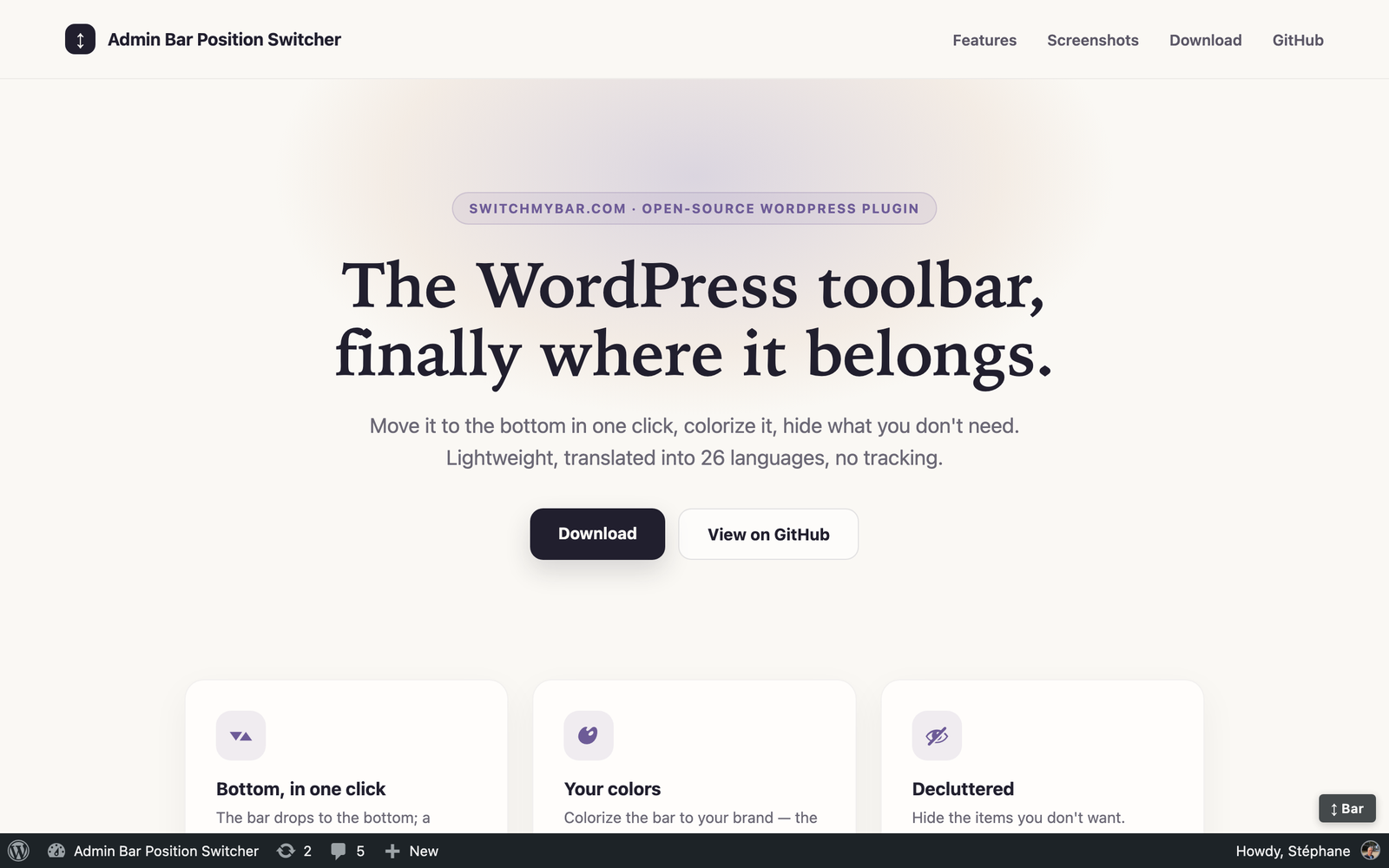
By default, WordPress pins its toolbar to the top of every page for logged-in users. It shifts the layout down, hides the first pixels of your design, and collides with sticky headers and full-screen builders like Elementor.
Admin Bar Position Switcher turns the tables: the bar moves to the bottom of the screen, the reserved gap at the top disappears, and a floating “⇅” button lets anyone send it back up — or down — at any time.
What the plugin does
Position and switch
- The toolbar at the bottom of the screen on the front end (default position is configurable).
- Floating “⇅” button to flip top ↔ bottom on the fly.
- The choice is remembered per browser (can be turned off).
Smart colors
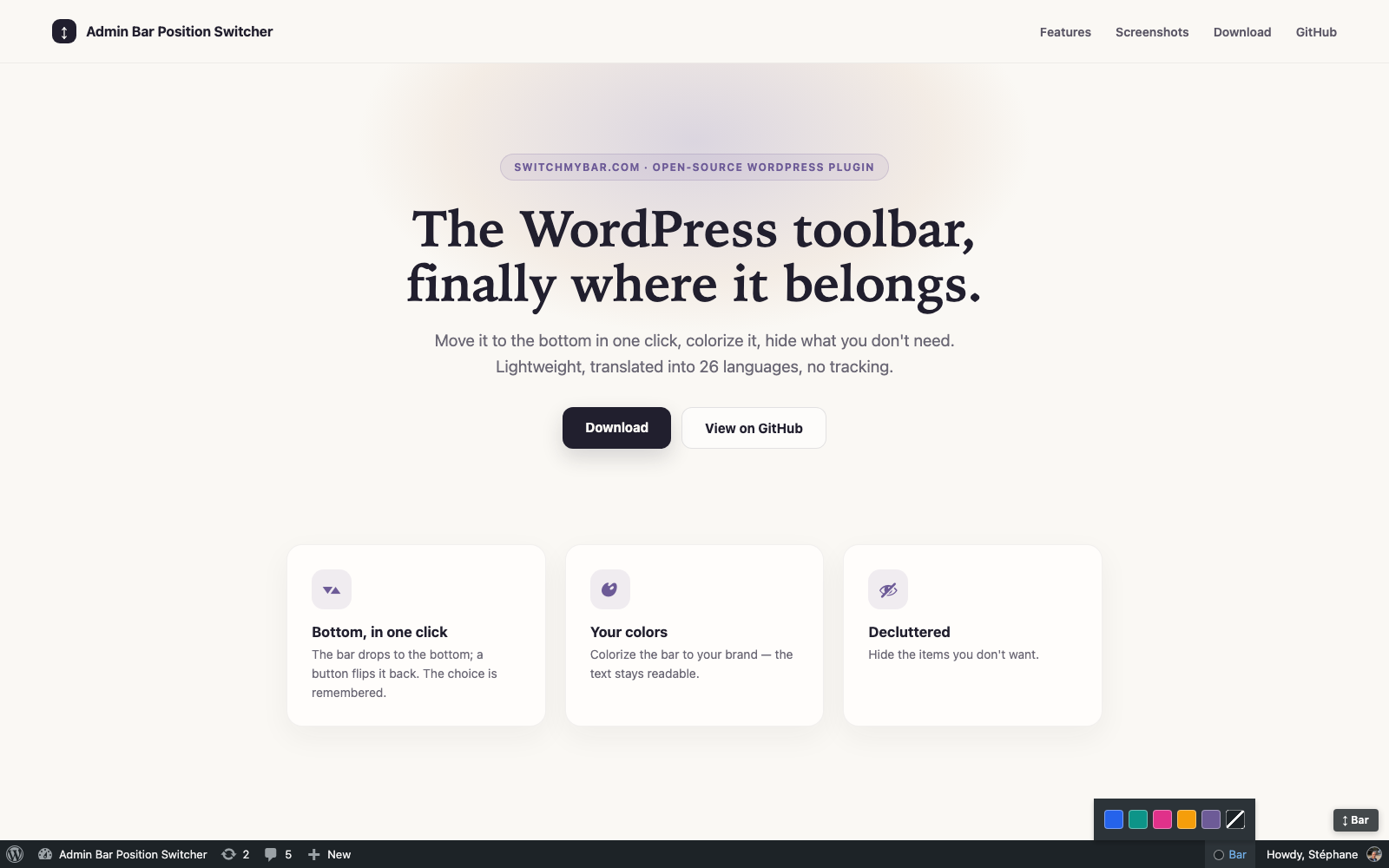
- Colorize the bar: custom background, automatically readable text (black or white depending on contrast).
- Recolor from the bar itself: a “Bar” item (administrators) reveals your site’s five dominant colors — detected 100% locally from your logo, Elementor kit, theme.json and home page.
- Personal color chips: every administrator picks their own bar color — the site setting stays the default.
- Match the page: the button can take the main color of the current page.
Tidy things up
- Hide toolbar items you never use (WordPress logo, Comments, + New…).
- macOS-Dock auto-hide (opt-in): the bar glides off-screen and slides back when the pointer comes within 150px of its edge.
The back-office menu too
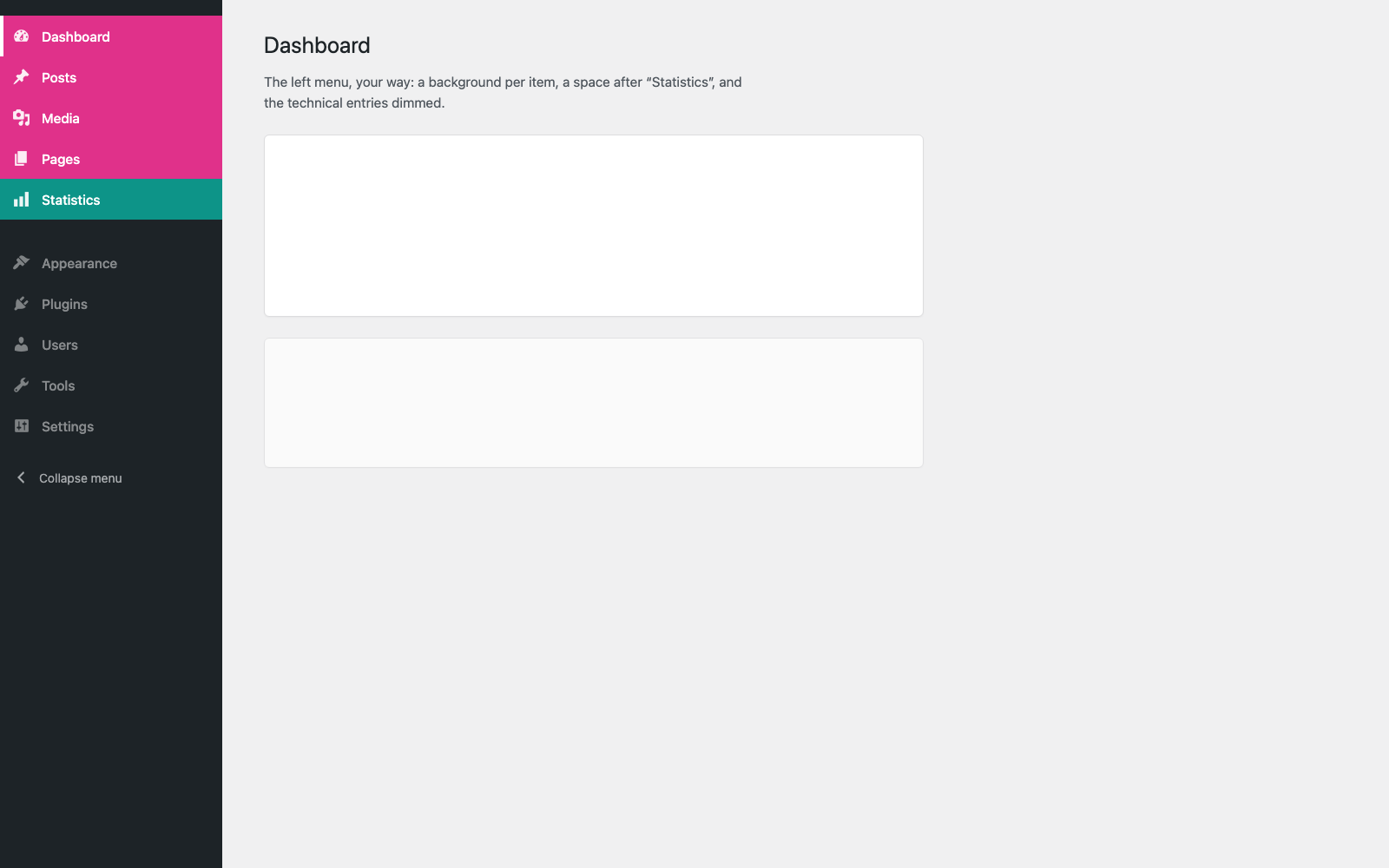
- Move the admin menu to the right, hide it on demand (the page takes the full width), or leave it in Dock mode.
- Reorder by drag & drop: order, colors and spacers, all in one list.
- Dim the technical menus you never open.
Respectful by design
Everything happens on the front end, only for logged-in users. Visitors never see the bar or the button, and the plugin loads nothing at all on their pages — no CSS, no JavaScript. It honors the “reduce motion” preference.